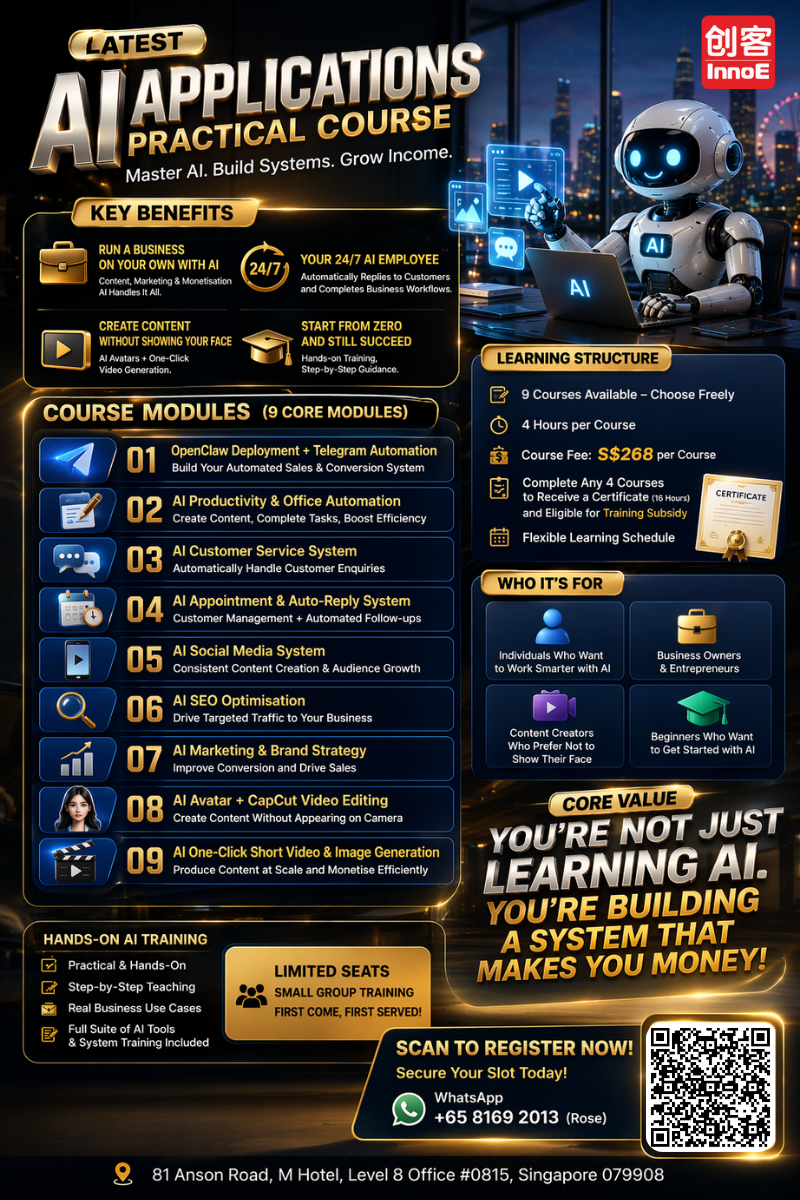
OpenClaw Agent — Build Your AI Business Assistant
Imagine having an AI assistant that knows your business inside out — answers customer queries, processes orders, generates reports, and handles routine tasks automatically. This course teaches you to build exactly that using the OpenClaw platform.
What Is an AI Agent?
An AI agent goes beyond a simple chatbot. It can understand context, make decisions, take actions, and learn from interactions. Think of it as a digital employee that works across your tools and systems.
🤖 What It Can Do
- • Answer customer questions 24/7
- • Process bookings and orders
- • Generate quotes and invoices
- • Send follow-up messages
- • Compile reports from data
⚡ Where It Connects
- • WhatsApp Business
- • Email (Gmail, Outlook)
- • Google Sheets & Docs
- • Social media platforms
- • Your website
What You Will Learn
Agent Design & Configuration
Define your agent personality, capabilities, and knowledge. No programming — configure through an intuitive interface.
Knowledge Base Setup
Feed your business data into the agent so it responds accurately about your products, services, and policies.
Workflow Automation
Set up automated workflows — when a customer asks X, the agent does Y. Booking confirmations, quote generation, follow-ups.
Deployment & Monitoring
Go live on WhatsApp, your website, or social media. Monitor conversations and fine-tune responses.
Course Details
| Duration | 4 hours, hands-on |
| Fee | S$268 per module |
| Subsidy | UTAP applicable |
| Level | Beginner — no coding required |
Build Your AI Business Assistant
Hands-on training in Singapore · Government subsidised