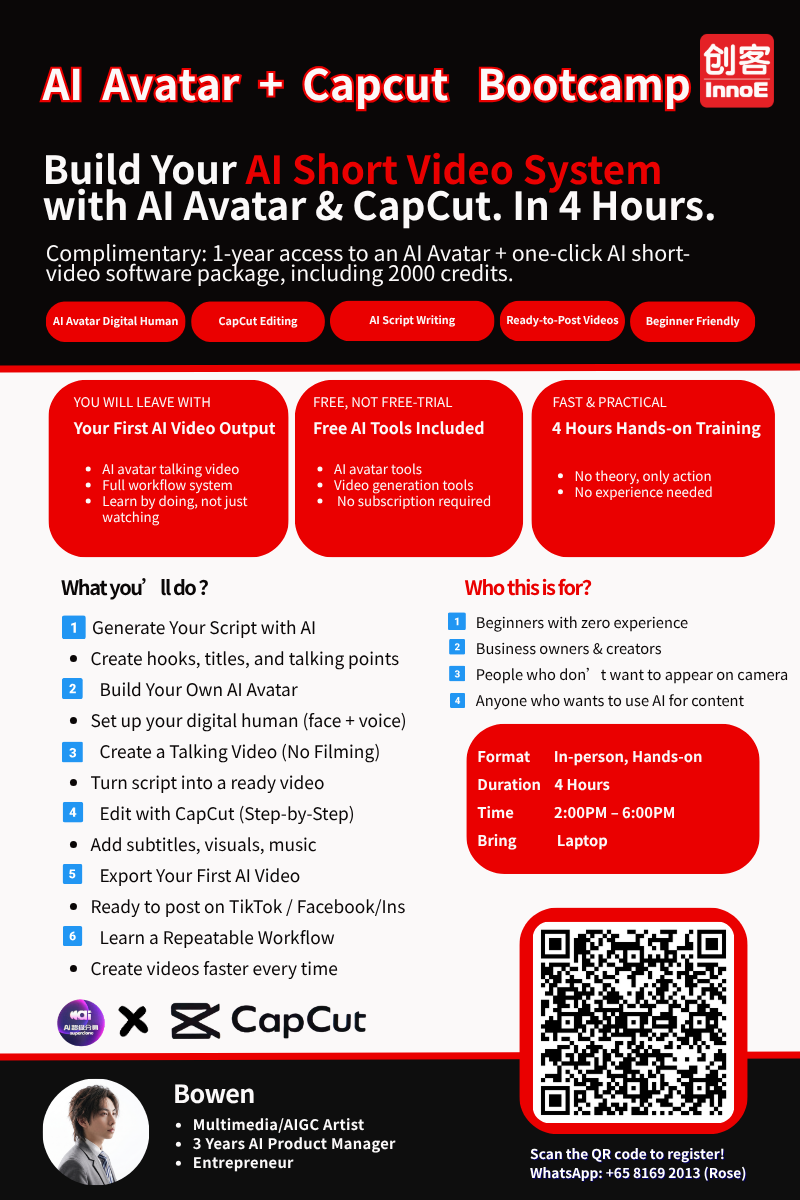
AI Avatar + CapCut Bootcamp — Singapore
Imagine having a digital version of yourself that can create videos, presentations, and marketing content around the clock — no camera, no studio, no retakes. In this bootcamp, you will build your own AI avatar and learn to produce polished videos with CapCut.
What Is an AI Avatar?
An AI avatar (also called a digital human) is a video clone of a real person — or a completely virtual character — powered by AI. It can speak any script you give it, in multiple languages, with natural facial expressions and lip sync.
Real-world uses:
- • A property agent who produces daily listing videos in 3 languages
- • A training company that creates course intro videos without re-filming
- • A retail brand with a 24/7 virtual spokesperson on social media
What You Will Learn
Build Your Own AI Avatar
Upload a photo or video, and AI generates a digital version of you that speaks any script. Customise voice, style, and background.
Script Writing for AI Avatars
Write natural-sounding scripts that AI avatars deliver convincingly. Learn pacing, tone, and structure for different platforms.
CapCut Video Editing
Import your avatar video into CapCut and add subtitles, transitions, music, effects, and branding. Produce scroll-stopping content.
Multi-Platform Publishing
Export in the right format for TikTok, Instagram Reels, YouTube Shorts, Facebook, and WhatsApp. Learn best practices for each platform.
Course Details
| Duration | 4 hours, hands-on |
| Fee | S$268 per module |
| Subsidy | UTAP applicable |
| Level | Beginner |
| Requirements | Bring your own laptop |
Build Your AI Avatar Today
Hands-on training in Singapore · Government subsidised